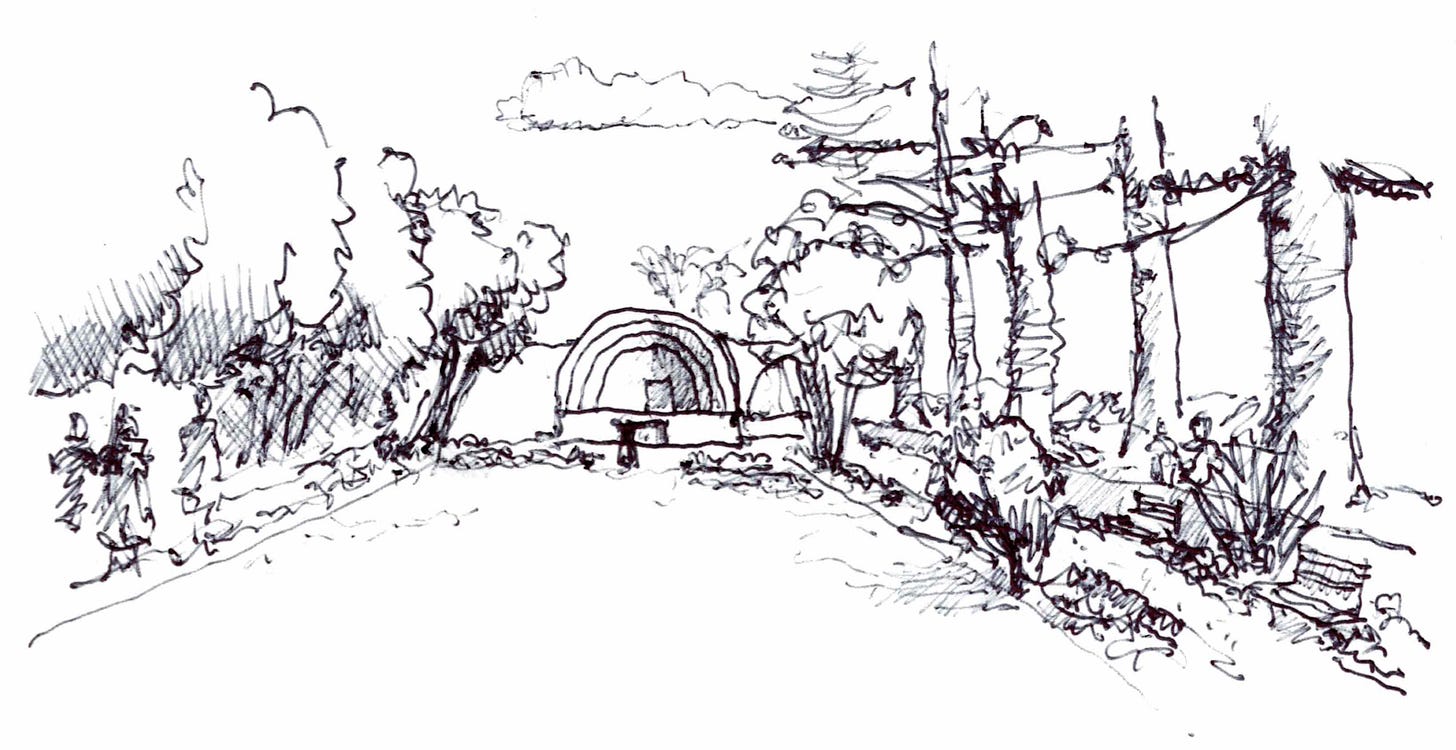
I was sitting in a design meeting recently with a brilliant landscape architect and their high-end residential client. The client was trying to explain a concept they wanted for a terraced retaining wall that integrated outdoor seating and water features. It was a complex, multi-tiered puzzle.
The designer listened intently, nodded, and said, “Got it. Let me take this back to the office, model it up in 3D, and run some renders so we can see how it looks.”
Three days, a steep software learning curve, and roughly $2,500 in unbillable design hours later, the designer presented a beautifully rendered, highly detailed 3D model.
The client took one look and shook their head. “No, that’s completely wrong. The proportions are too heavy, and that’s not at all what I meant by ‘integrated seating.’”
Back to the drawing board. Literally.
The designer had trapped themselves behind the “precision wall” of a computer screen before the basic spatial logic was even agreed upon. They risked their fee, wasted days of production time, and eroded the client’s trust—all because they used a mouse when they should have used a pencil.
The Illusion of Software Speed
Whether you are designing a botanical garden, a theatrical set, a bespoke kitchen, or a commercial building, the hardest part of design isn’t the software—it’s the start. We stare at a blank screen, paralyzed by the absolute precision that CAD and BIM demand.
If you jump straight into detailed modeling, your brain instantly gets locked into technicalities—wall thicknesses, offsets, rendering styles, and exact dimensions—before you’ve even decided if the form, proportion, and spatial volume look right.
The Fundamental Truth: If you can’t sketch the idea, you can’t model the solution.
Being able to throw down a rapid, three-dimensional technical sketch on a notepad right in front of a client is the ultimate design superpower. It allows you to visually say, “Is this what you mean?” The client can immediately react, pick up a red pen, correct the proportions, and align their vision with yours. You resolve a complex problem in ten minutes with a pencil rather than losing hours fighting a computer model.
Myth vs. Reality: Sketching is a Teachable Skill
Here is the catch: sketching is not an innate gift you either have or you don’t. It is not a talent. It is a raw, physical, structural technical skill—no different than learning the rules of perspective or understanding how materials fit together on site.
But it is also highly perishable. If you don’t practice regular, observational drawing, your ability to control line weight, see perspective, and judge proportions accurately will steadily wither away. You won’t be able to rely on it when you’re standing on a construction site with a contractor, or sitting at a boardroom table with a stakeholder, needing to frantically resolve a detail on the fly.
To keep your mind sharp and your hand steady, you have to get out into the real world and draw what you see.
This Week’s Action: Step Away from the Desk
Lately, I’ve been stepping away from the screen and going back to basics. I’ve been out with local urban sketching groups, capturing the real-world relationships of structure, light, landscape, and human scale. It trains your brain to translate a 3D environment onto a 2D plane with speed and confidence.
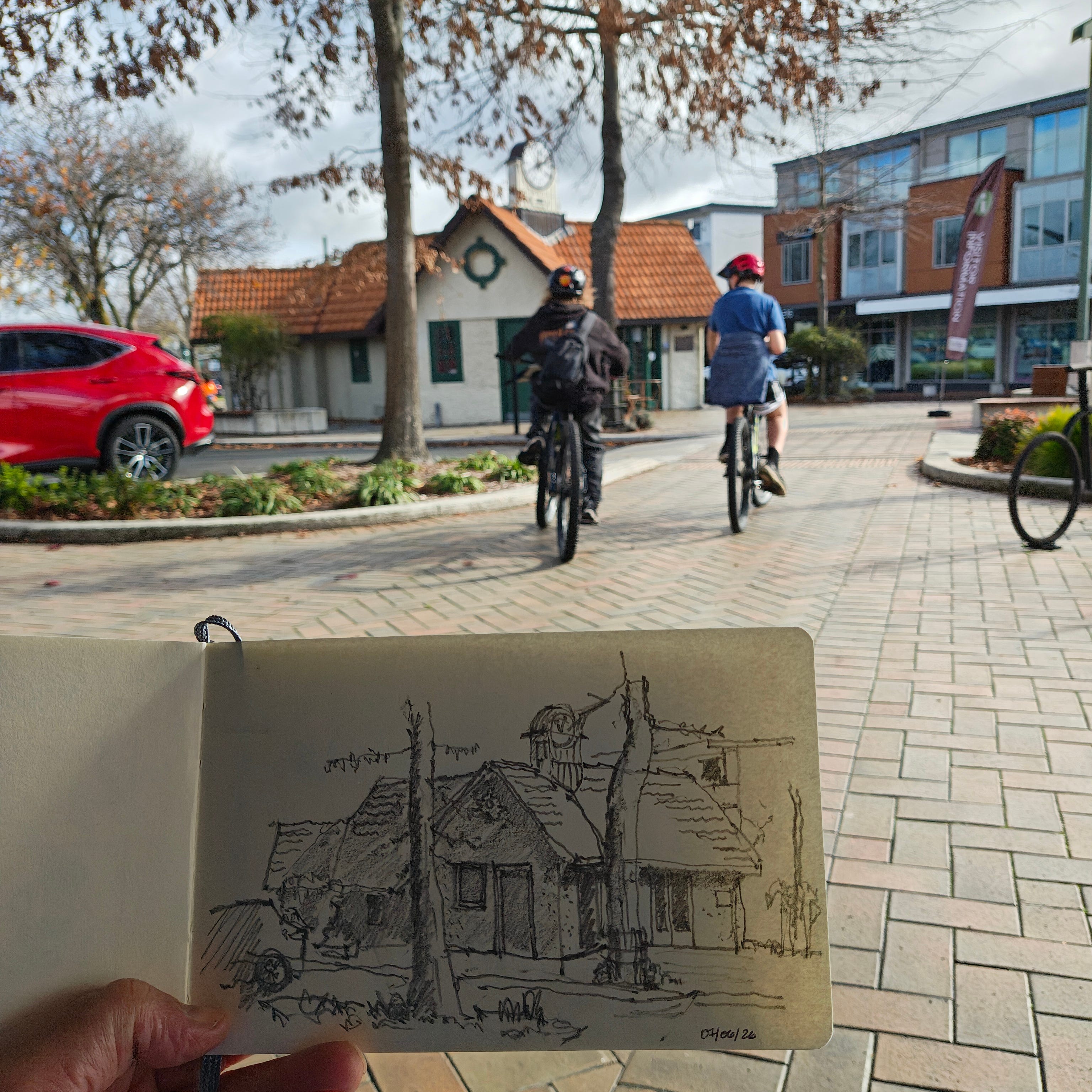
If you want to protect your design profits, stop over-modeling too soon. Learn to secure the “early win” with a sketch, build trust with your clients instantly, and keep your creative edge razor-sharp[cite: 1, 2].
🎨 Join Our New Urban Sketching Community!
Because sketching is a technical skill that requires structured practice, you shouldn’t have to navigate it alone. I have launched a dedicated space focused entirely on real-world sketching, perspective layout, and rapid design communication[cite: 1, 2]. The absolute purpose of this community is to provide the structure, peer support, and step-by-step guidance you need to build and protect these vital technical skills.
Join the Urban Sketching Community on Skool!
Keep calm and upskill!
Jonathan Pickup
Trainer & Design Technologist